Referencing Figures And Tables.
Back to: Caption Main Page
Referencing elements in markdown is pretty straight forward. Since this plugin adds a default id to all figures and tables created these ids can be used to reference the element. The following example shows how to reference a figure.
Referencing Elements.
Warning
Although a default id is added to each figure/table it is not recommended use it as a reference. The reason is that the order of the figures/tables might change. This will result in the wrong figure/table being referenced. Instead it is recommended to assign a custom id to the figure/table.
Automatic Link Text Generation.⚓︎
- Often one would like the link text to look something like
Figure 1orTable 1. - Sure this can be done manually, but it is tedious and error prone.
- This plugin can automatically generate the link text for you.
- This is done by referencing the figure/table id and not specifying a link text.
Automatic Link Text Generation.
Config Chapter⚓︎
Config Chapter⚓︎
Config Chapter
The link text can be customized by using the reference_text option in the configuration. See the Config Chapter for more details.
Cross Page Referencing.⚓︎
- The automatic link text generation also works across pages.
- The mechanism is the same as for local references.
- If no link text is specified the plugin tries to replace it with the autogenerated link text.
Cross Page Referencing.
Config Parameter
- The config parameter
cross_reference_textcan be used to customize the link text for cross references. The default is{page_title}/{local_ref}
| Stormy 1 | Weather 2 |
|---|---|
| content 1 | content 2 |
| content 3 | content 4 |
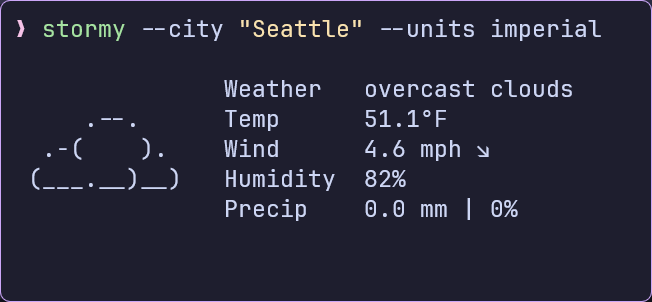
- Stormy Figure 1.
Config Parameter
- The config parameter
cross_reference_textcan be used to customize the link text for cross references. The default is{page_title}/{local_ref}
Config Parameter
- The config parameter
cross_reference_textcan be used to customize the link text for cross references. The default is{page_title}/{local_ref}

Config Parameter
- The config parameter
cross_reference_textcan be used to customize the link text for cross references. The default is{page_title}/{local_ref}
Example 1
Note
The link text can be customized by using the reference_text option in the
configuration. See the config chapter for more details.
See Figure above for more details.